Business & Enterprise Software
For companies that want to replace Excel, repeated manual entry, scattered approvals and unstructured coordination.
ERPCRMApprovalsReportsDocuments
Explore business systems, POS, appointment platforms, customer portals, cloud integrations and cybersecurity controls based on the real problem you want to solve.
Clients do not need to know technical names. Choose the business problem first, then select the system path.
For companies that want to replace Excel, repeated manual entry, scattered approvals and unstructured coordination.
Start by mapping the process, then build controlled data entry, approval status, reports and management visibility.
Each solution explains the workflow it supports, the modules it can include, and how it helps businesses move from manual work to controlled digital systems.
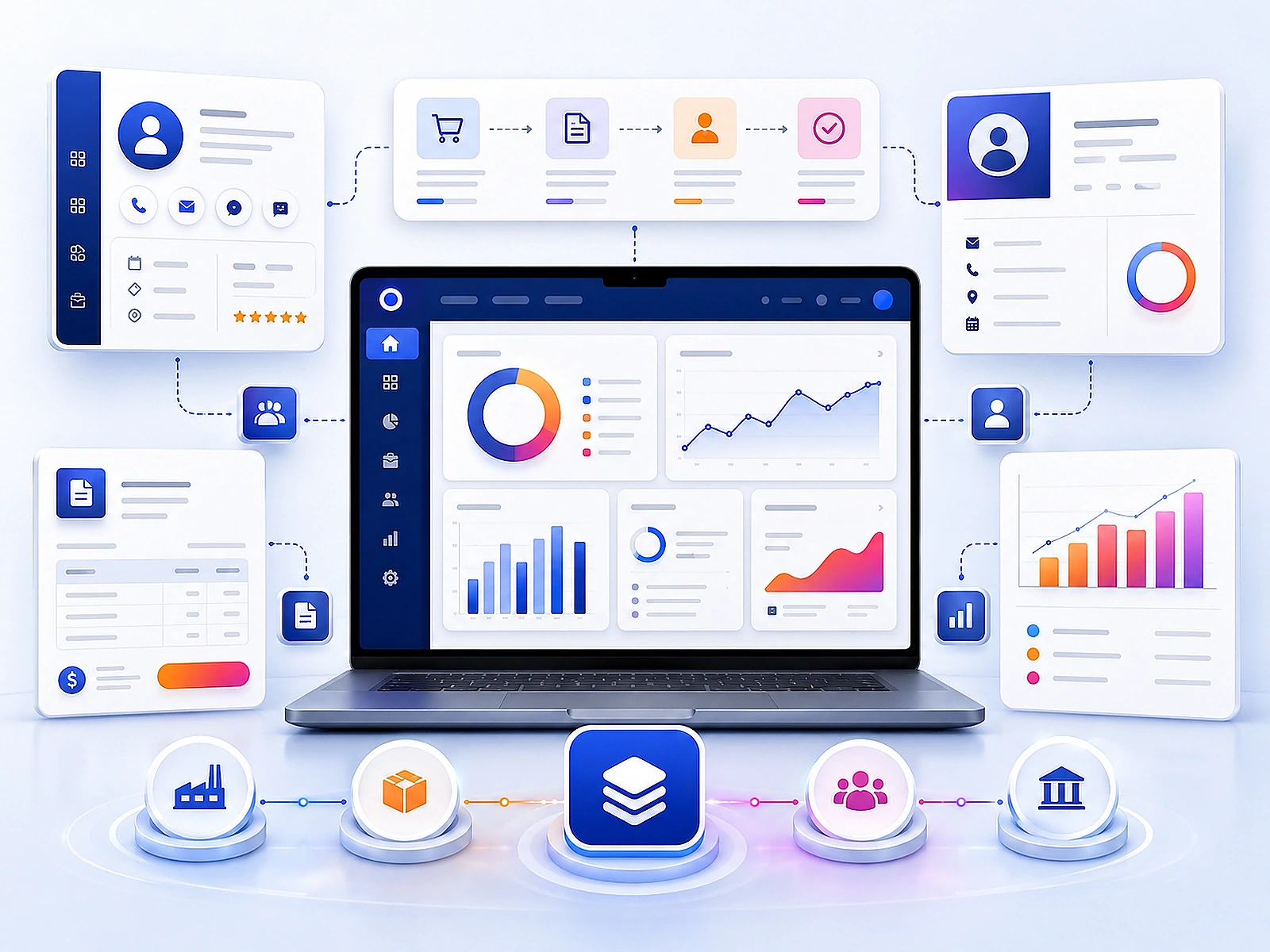
Build internal software for business records, employee workflows, approvals, client files, vendor coordination and management reporting.
Discuss this solution →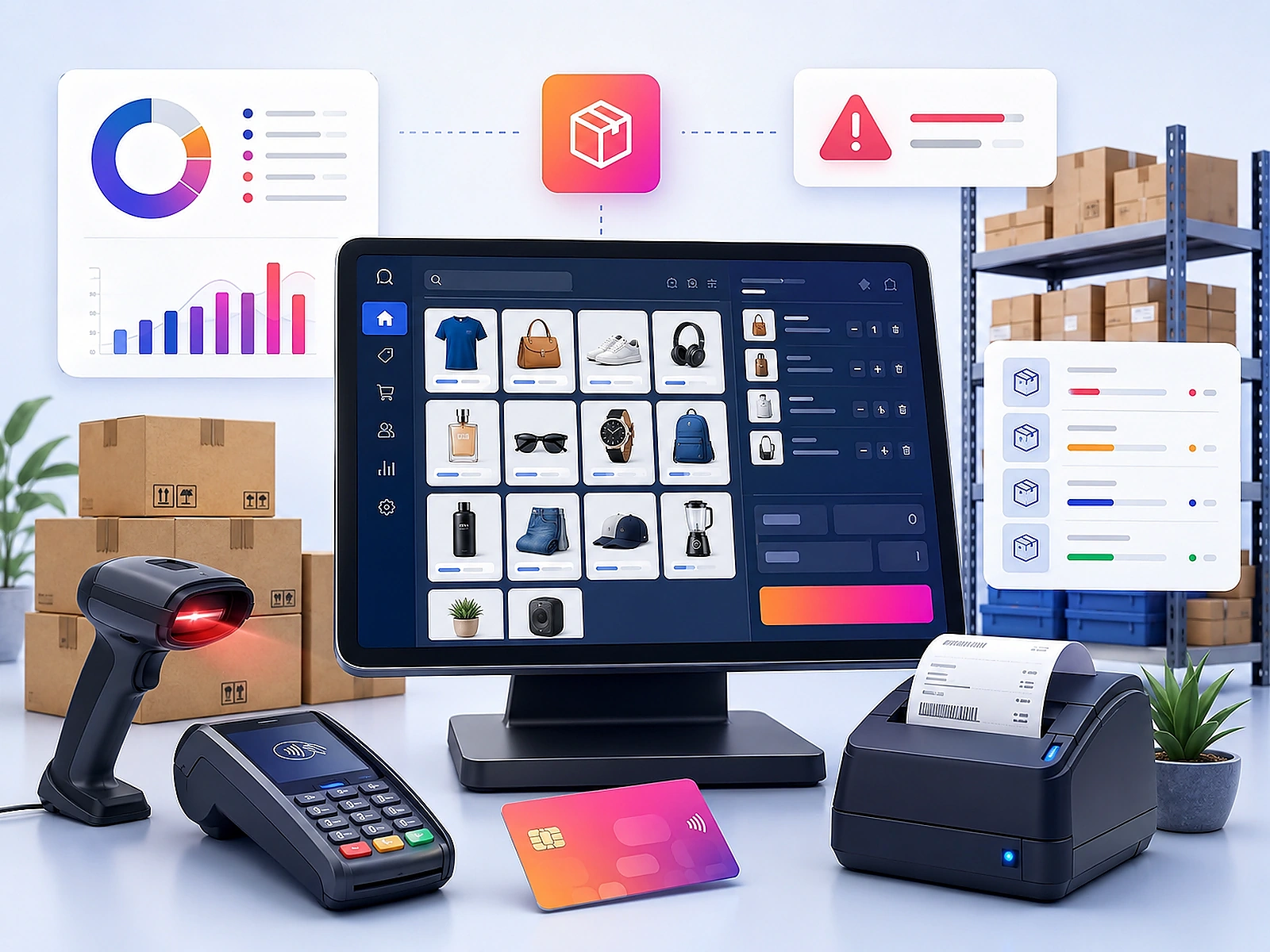
Manage products, prices, barcode billing, cashier screens, inventory movement, low-stock alerts and daily branch reports.
Discuss this solution →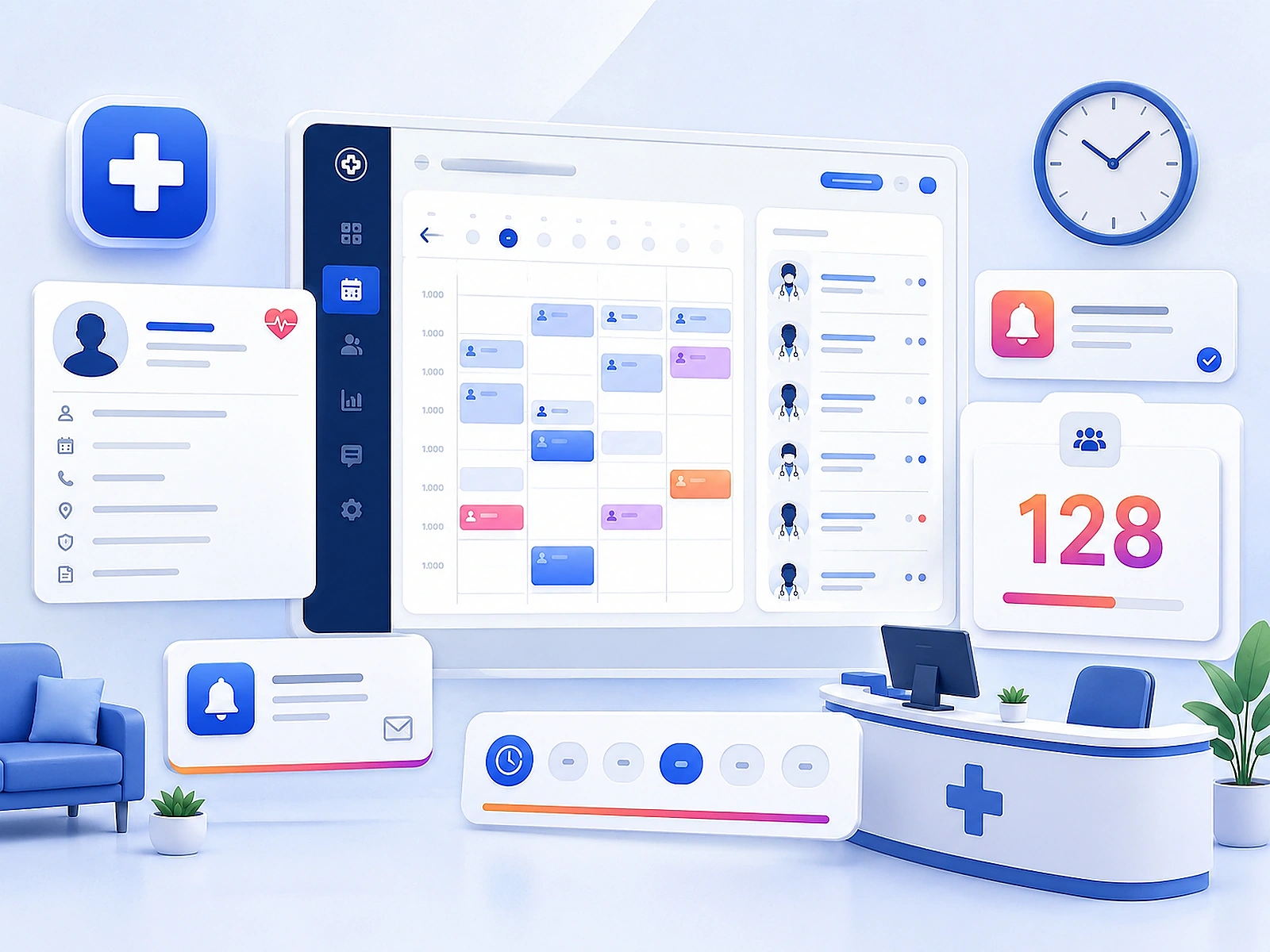
Plan appointment slots, patient records, reception workflow, doctor schedules, queue visibility and automated reminders.
Discuss this solution →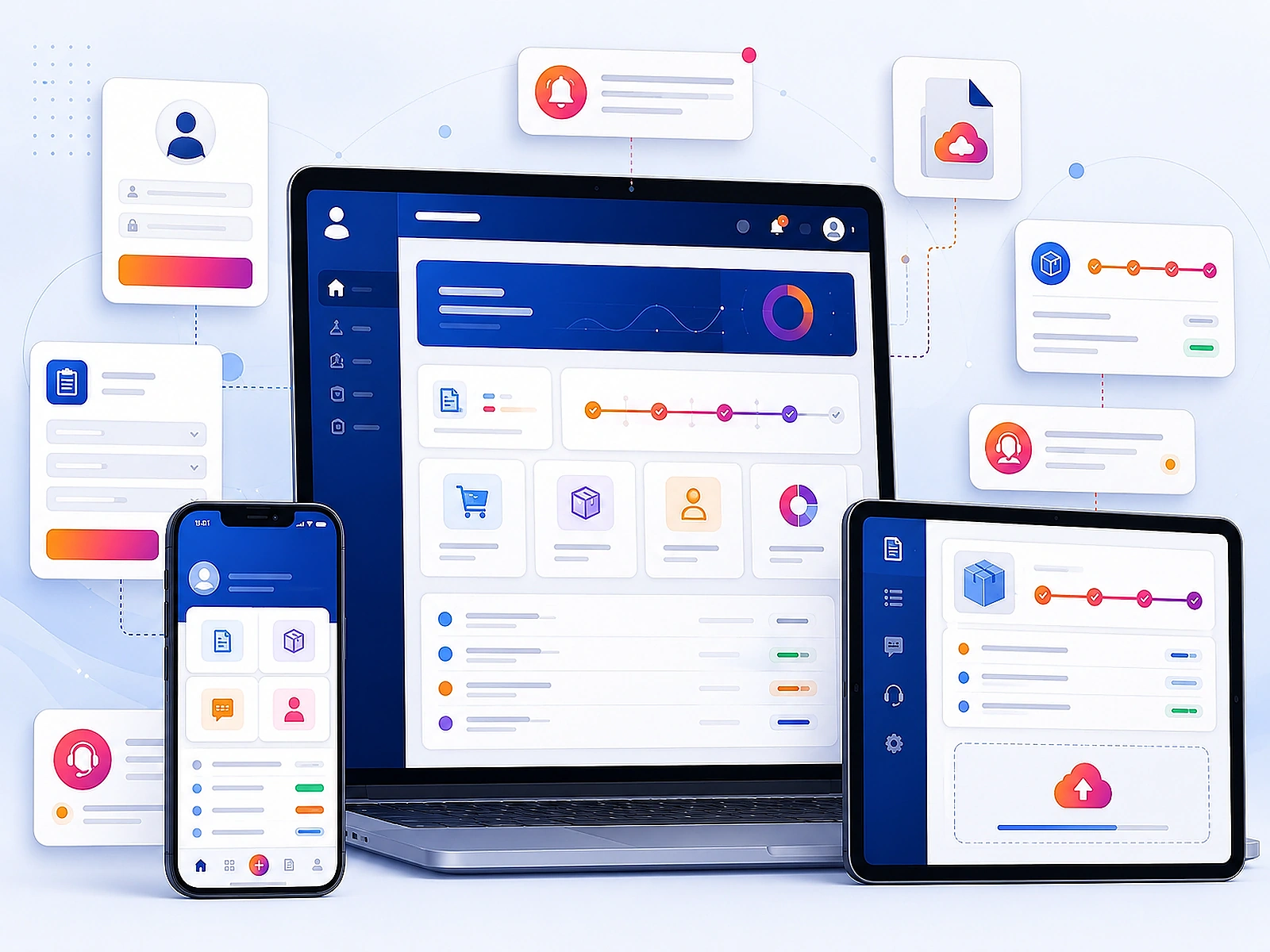
Create websites, mobile-ready portals, request forms, ticket systems, order tracking and dashboards for both customers and staff.
Discuss this solution →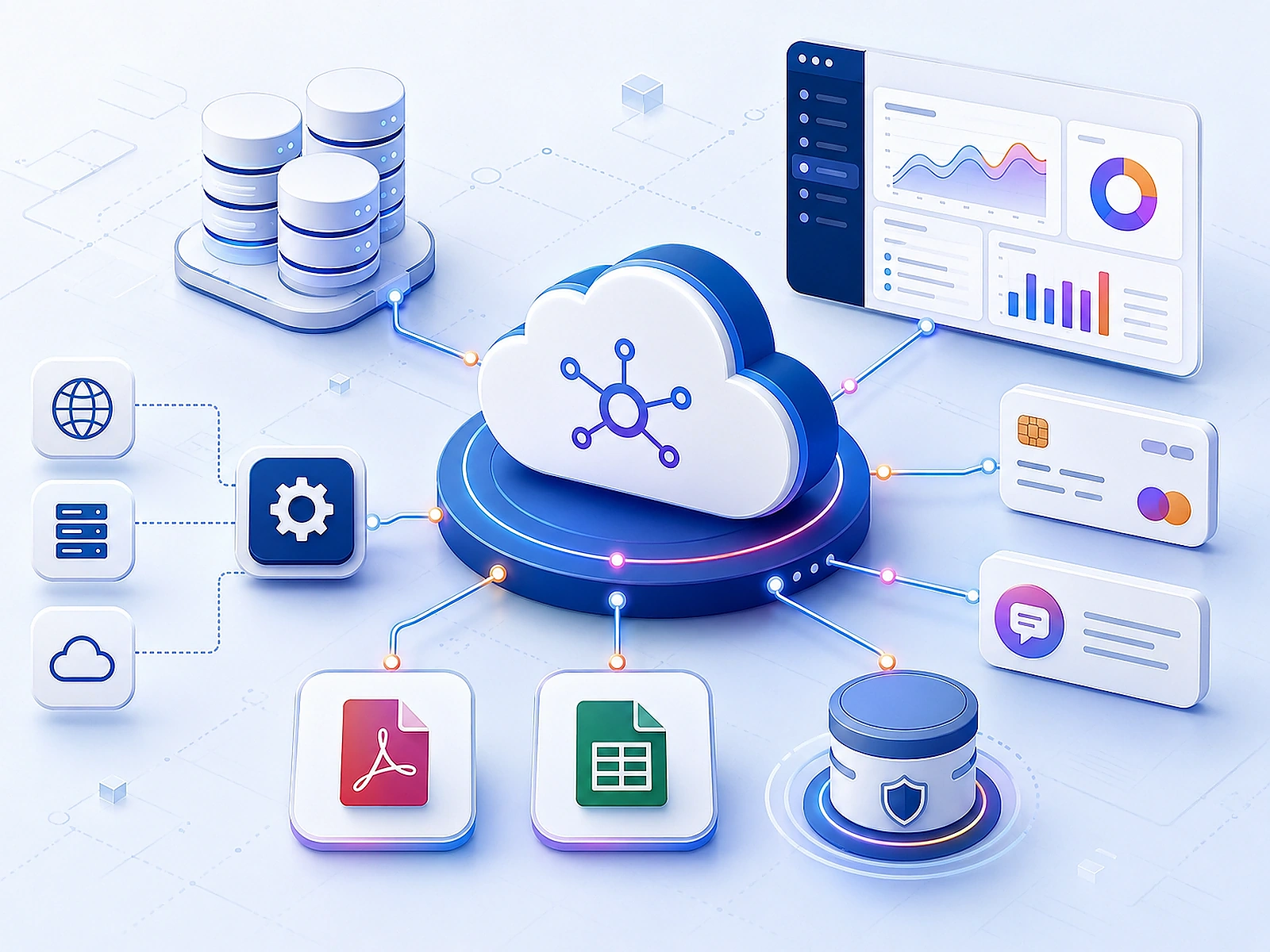
Design cloud-ready systems with structured databases, APIs, payment connections, reports, PDF outputs and Excel exports.
Discuss this solution →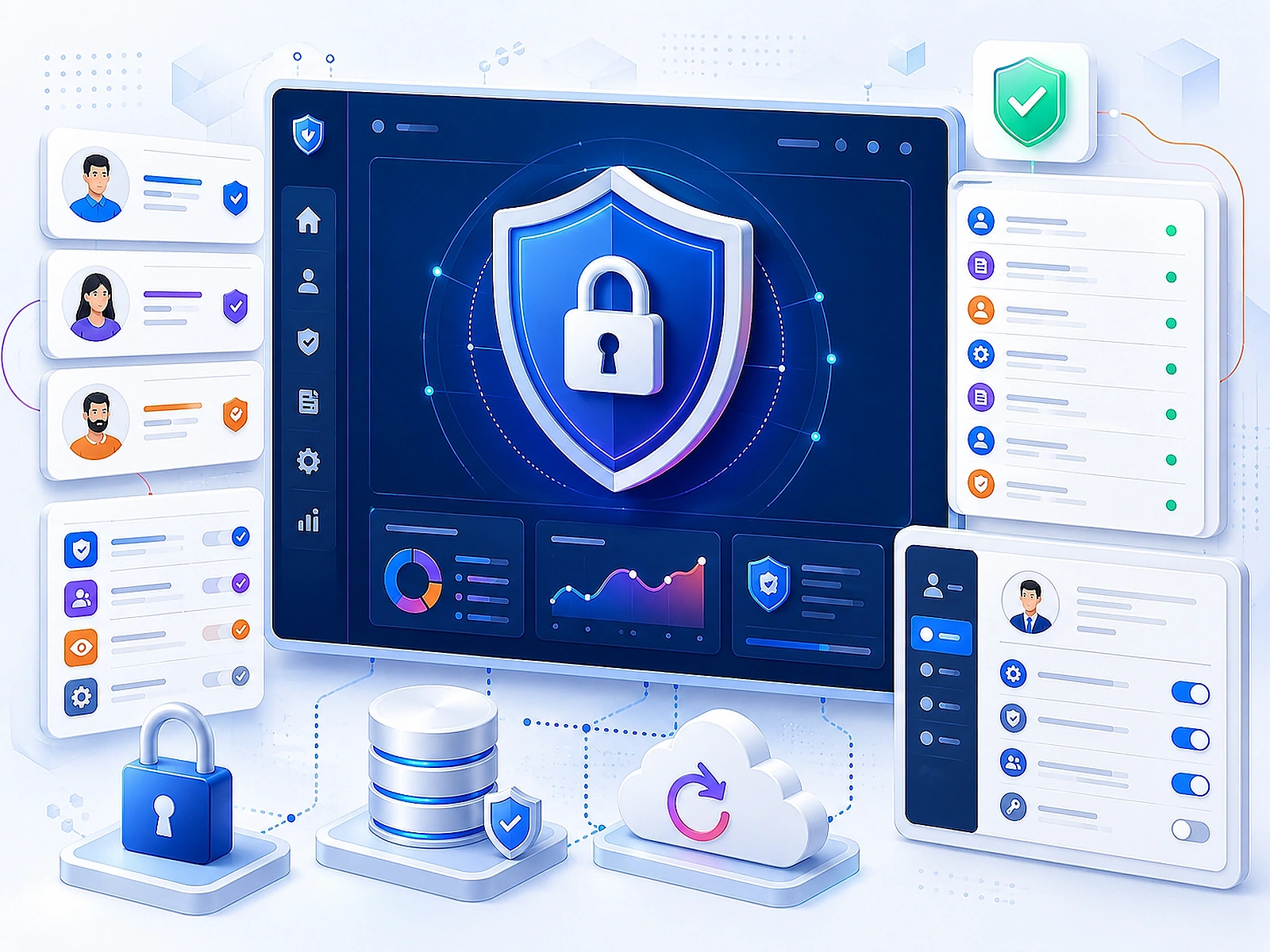
Plan user access, admin controls, audit logs, backup routine, permission levels and secure operating habits for business applications.
Discuss this solution →A structured matrix gives the page a real software-product feeling and helps clients understand module coverage.
| Module / capability | Business System | POS System | Healthcare | Portal | Cloud/Data | Security |
|---|---|---|---|---|---|---|
| User roles | ✓ | ✓ | ✓ | ✓ | ✓ | ✓ |
| Dashboard | ✓ | ✓ | ✓ | ✓ | ✓ | ✓ |
| PDF reports | ✓ | ✓ | ✓ | ✓ | ✓ | — |
| Excel export | ✓ | ✓ | ✓ | ✓ | ✓ | — |
| Barcode / SKU | — | ✓ | — | — | — | — |
| Appointments | — | — | ✓ | ✓ | — | — |
| Payment integration | ✓ | ✓ | ✓ | ✓ | ✓ | — |
| WhatsApp / SMS / Email | ✓ | ✓ | ✓ | ✓ | ✓ | — |
| Audit logs | ✓ | ✓ | ✓ | ✓ | ✓ | ✓ |
| Backup planning | ✓ | ✓ | ✓ | ✓ | ✓ | ✓ |
A reliable system needs workflow design, application modules, data structure, integrations, reporting and security controls.
Discuss your architectureBlueprints show how each system can be planned before design and development begins.
For shops and trading operations that need better control over sales and inventory.
For appointment-based healthcare workflows that need better visibility and reminders.
For restaurants and cafes that need QR menu and smoother order handling.
For project teams that need better control over procurement and reporting.
For businesses that want clients to submit, track and receive updates online.
For any system where permissions and data control are important.
For one urgent workflow such as POS, appointment booking, request tracking or reporting.
For businesses that need multiple connected modules with user roles and dashboards.
For full custom platforms with departments, approvals, integrations, security and support planning.
Yes. The system can be planned around your users, approvals, records, reports and operating steps.
Yes. Existing Excel structures, forms and manual tracking can be converted into a controlled software workflow.
Yes. Web apps, dashboards and portals can be made responsive for desktop, tablet and mobile screens.
Yes. Integrations can be planned for notifications, payment flows, emails, SMS, WhatsApp and third-party services where supported.
Yes. The deployment model can be selected based on project needs, access requirements and budget.
Yes. Role-based access can control who can view, create, approve, edit, export or delete records.
Yes. Dashboards, summaries, printable reports, PDF exports and Excel exports can be included.
Yes. Support and improvement can continue after deployment based on the selected engagement model.
Share how your current process works, and WeDoCodes will suggest the best solution path.